
How Customer Accounts Are Created on Blended Sense
Blended Sense offers two ways for customers to create an account, depending on how they are introduced to the Studio. Both options provide access to the same core experience, but the starting point may differ.
This article walks you through creating a Blended Sense customer account in two ways:
- Self-Service (you create your account yourself)
- Admin-Invited (you receive an invitation)
Option A: Self-Service Account Creation (Step-by-Step)
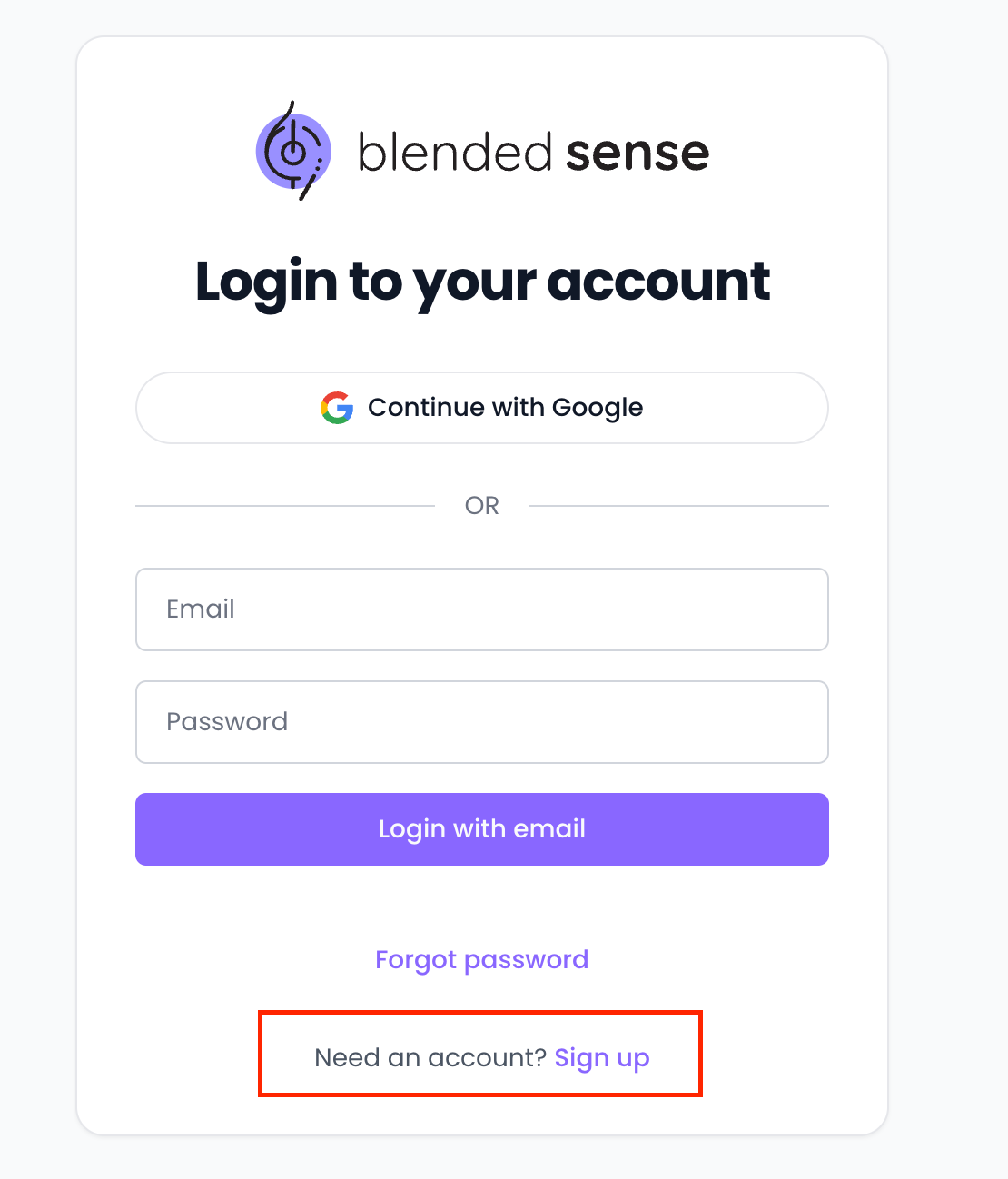
- Navigate to the Blended Sense Sign-Up Page
- Select Sign Up
- Enter Your Basic Information
- Name
- Email address
- Password (and confirmation)
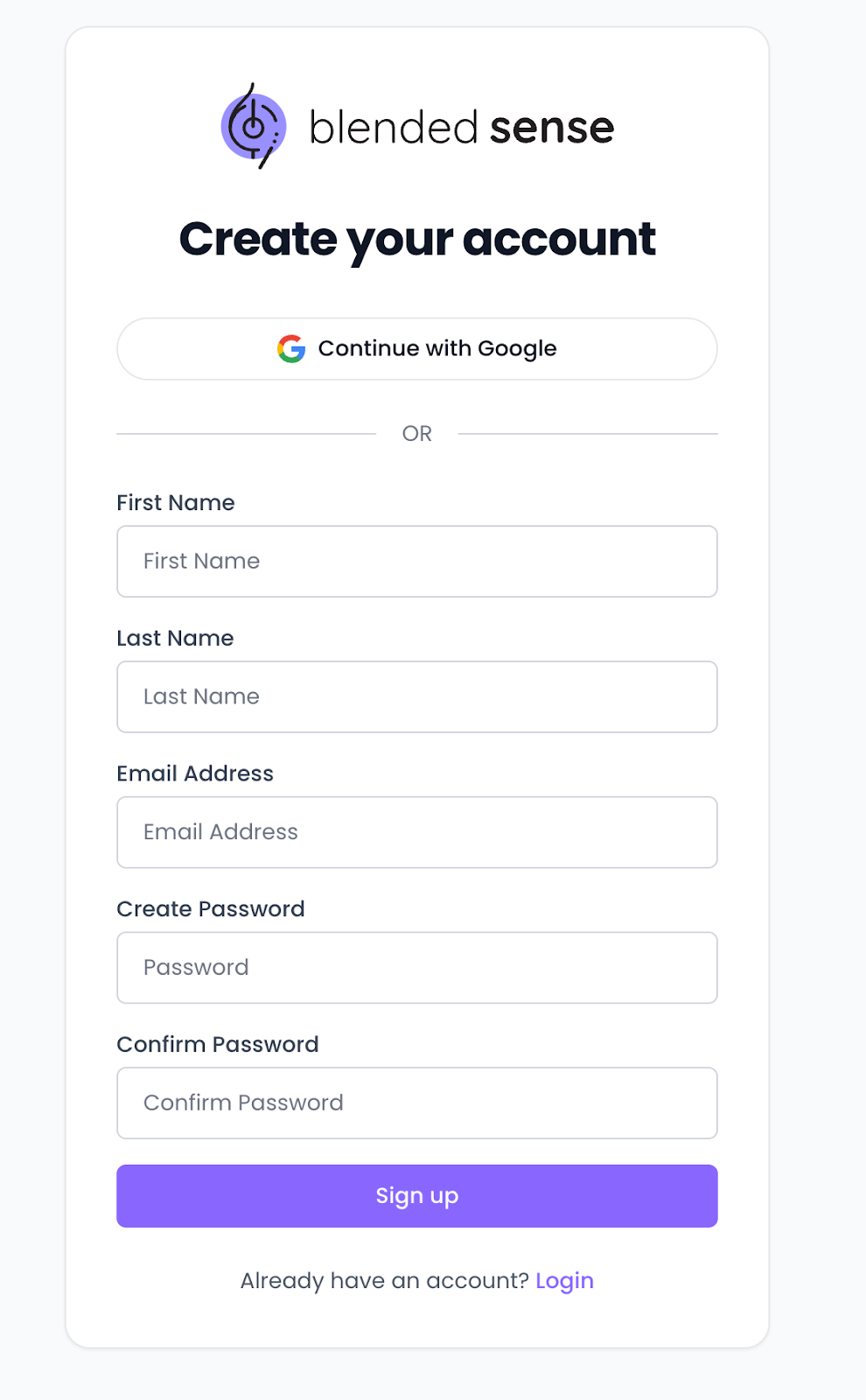
- Click Sign Up to create your account
Verify Your Email (If Required)
- Check your inbox for a verification email.
- Click Verify Email (or the verification link).
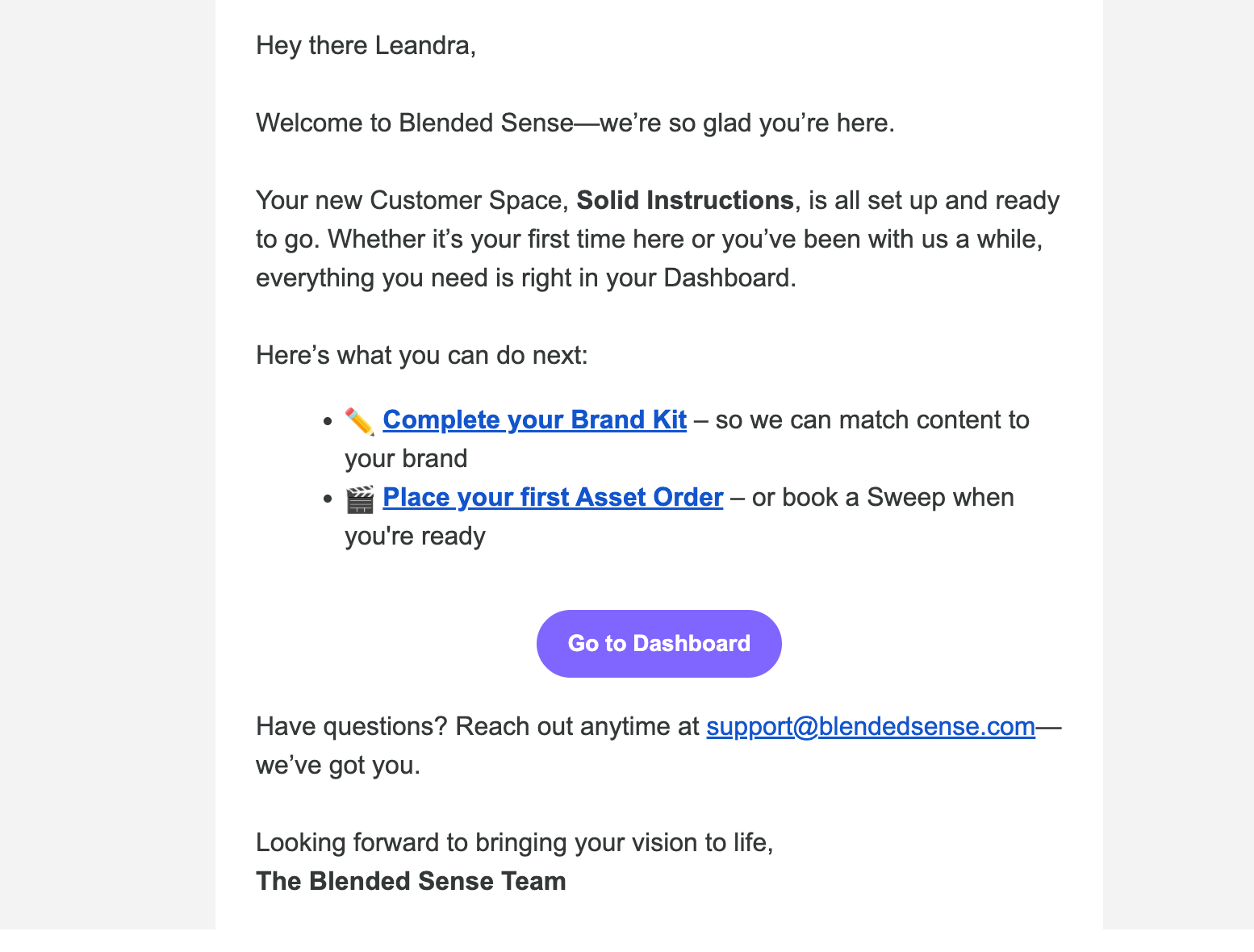
- Click Go to Dashboard to return to the Studio and log in.
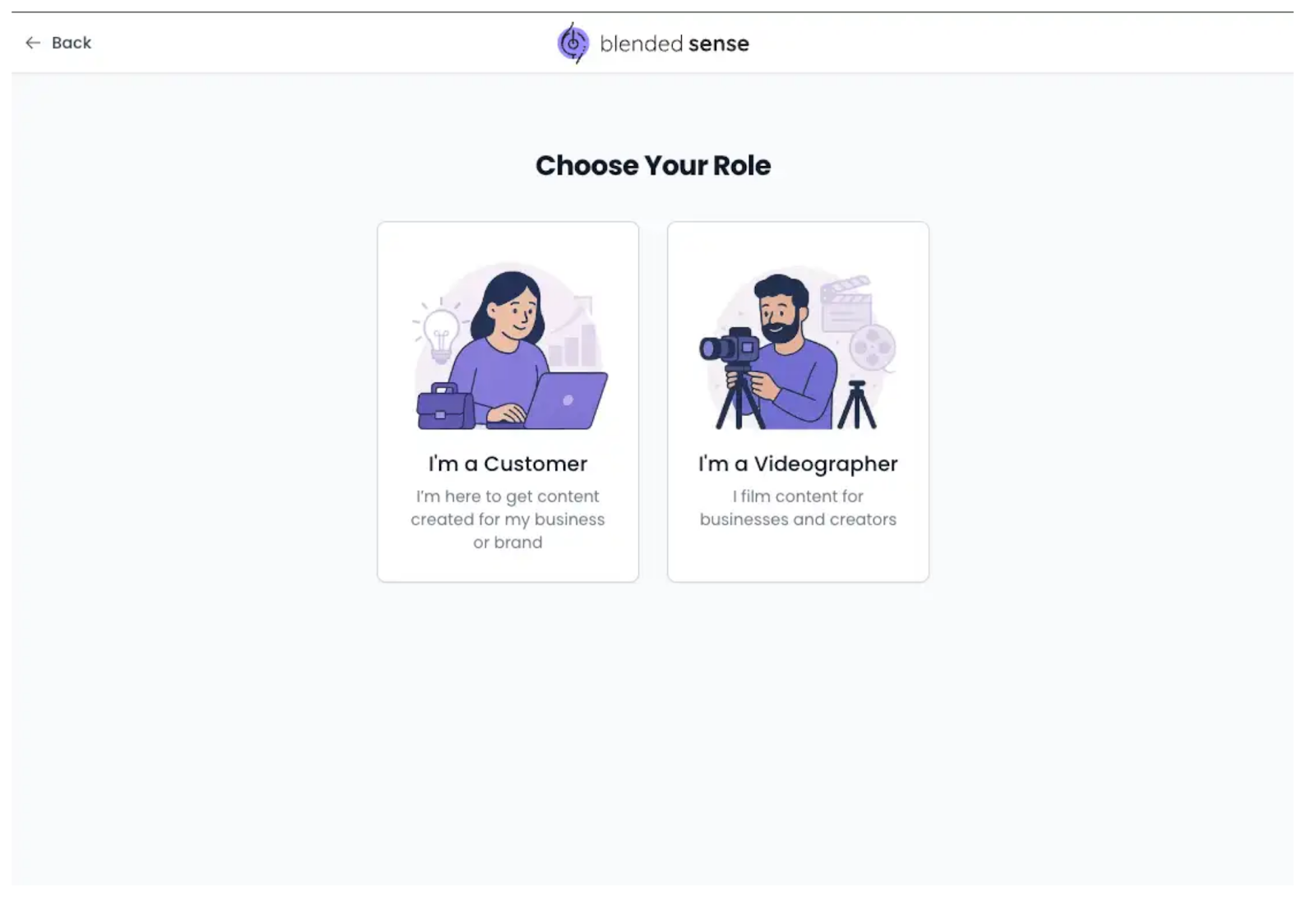
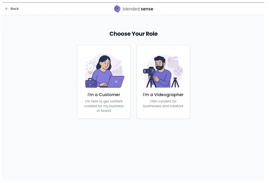
Confirm Your Role as Customer
- If prompted, select Customer as your role so your dashboard and tools are set up correctly.
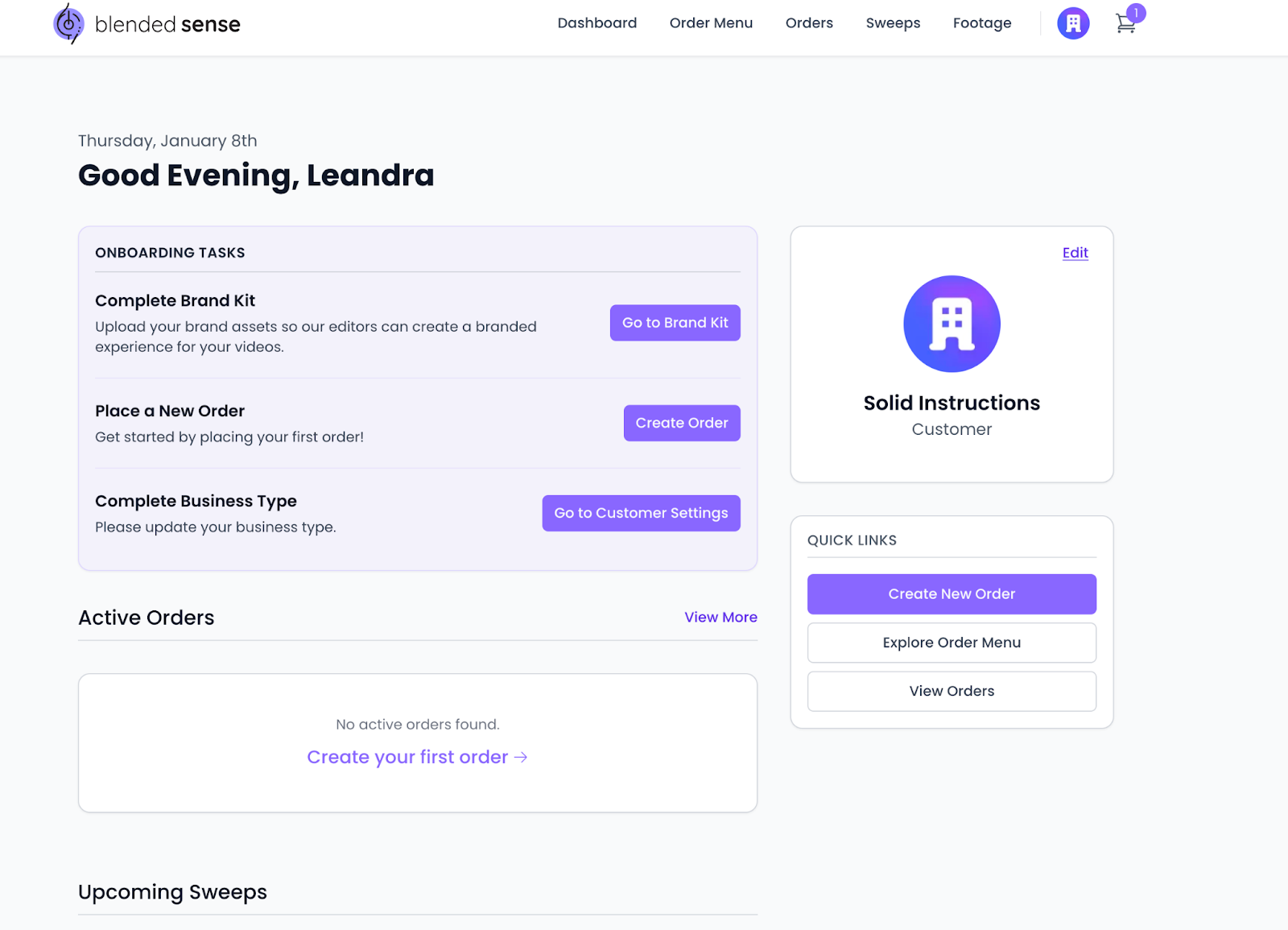
- Access Your Customer Dashboard
- After setup, you should be directed to your Customer Dashboard.
Option B: Admin-Invited Account (Step-by-Step)
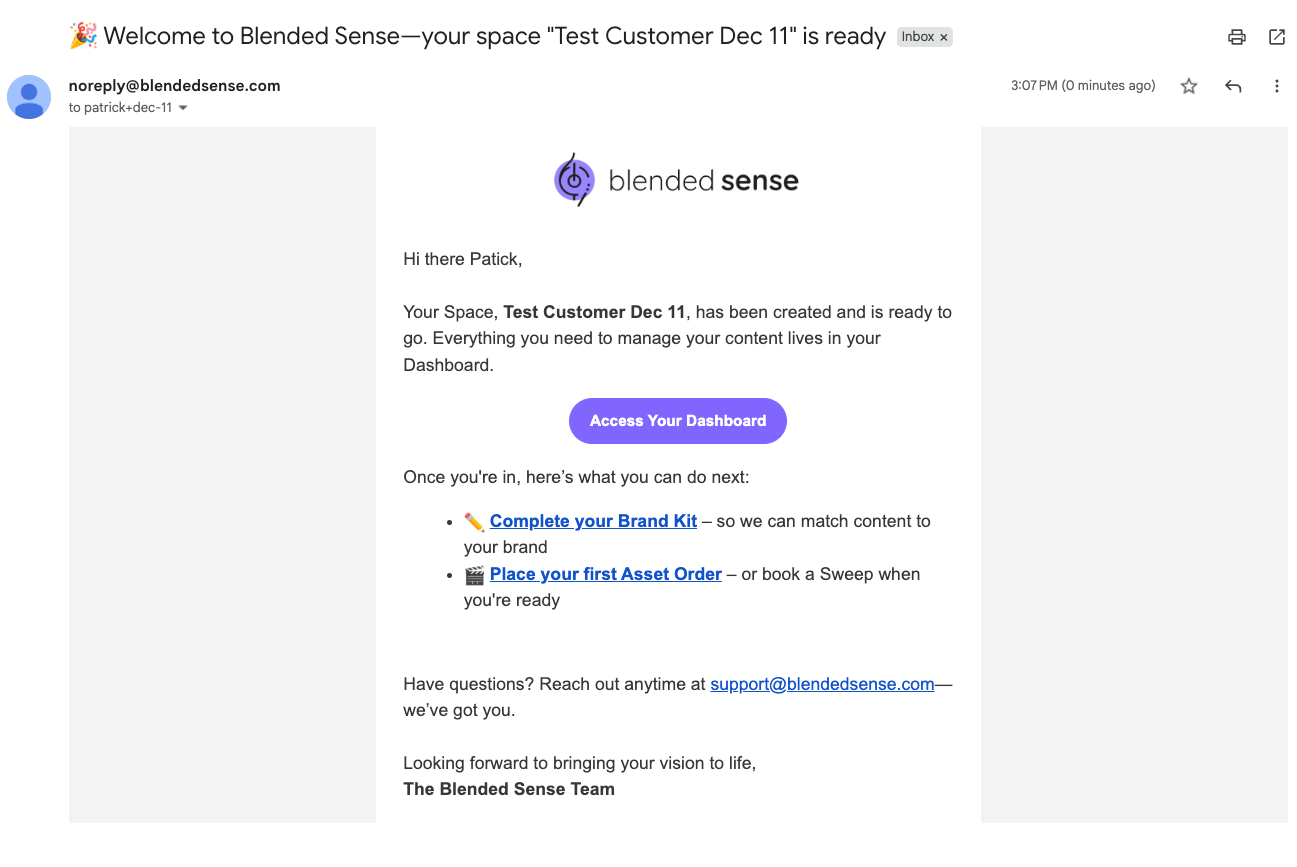
- Locate Your Invitation
- Open your email inbox.
- Open your email inbox.
- Search for an email from Blended Sense with an invitation to join the Studio.
- If you don’t see it, check:
- Spam / Junk
- Promotions tab (Gmail)
- Corporate quarantine (work email)
- Spam / Junk
- Open the Invite and Select “Accept” / “Join”
- Click the button or link to accept the invite and begin account setup.
- You’ll be taken to an account setup page.
- Enter Your Basic Information
- Name
- Email address
- Password (and confirmation)
- Submit to Continue
- Confirm Your Account Details (If Prompted)
Depending on your setup, you may be asked to confirm basic details such as:
- Name
- Business/Organization association
- Role (Customer)
Complete any required fields and continue.
- Once setup is complete, log in (if you aren’t automatically signed in).
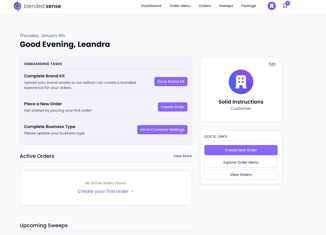
- You should land on your Customer Dashboard or home screen.
If You Get Stuck (Quick Fixes)
Didn’t receive an invite?
- Confirm the email address with your internal admin or Blended Sense contact.
- Check spam/quarantine folders.
Can’t log in?
- Use Forgot Password on the login screen.
Not sure if you should be Admin-Invited or Self-Service?
If you’re joining an existing Organization or multiple businesses, Admin-Invited is usually best to ensure everything is connected correctly.