
When to Provide External Footage
You may need to provide external footage if:
- You have existing video that should be incorporated into editing
- A third party captured content on your behalf
- You are supplementing footage from a Sweep
- You are submitting assets for post-production only
Before sending footage, confirm that your order includes editing services if you expect the footage to be edited.
Share a Secure Link
If direct upload is not available or file sizes are large, you may share a secure link.
Accepted services may include:
- Google Drive
- Dropbox
- Frame.io
- Other secure cloud storage platforms
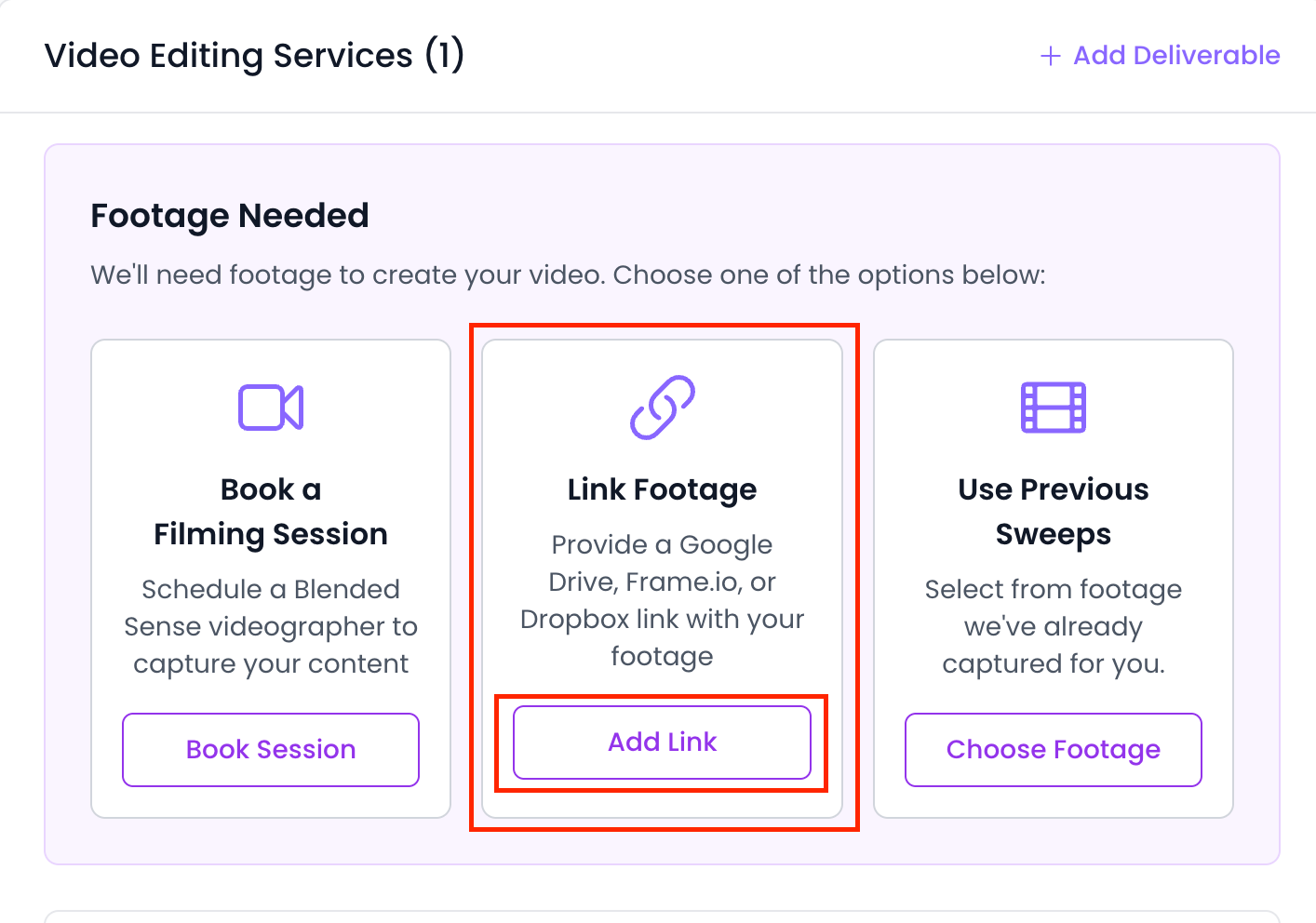
When sharing a link:
- Ensure viewing or download permissions are enabled
- Confirm the link does not expire before editing begins
- Clearly label which files should be used
File Organization Tips
To help your editor work efficiently:
- Use clear file names
- Group related files in folders
- Include a short note explaining how the footage should be used
Clear organization reduces delays.
File Format Considerations
Ensure your footage:
- Is in a standard video format (e.g., MP4, MOV)
- Is not heavily compressed
- Is complete and not partially uploaded
If you’re unsure whether your footage meets requirements, contact Support before submitting.
After Submitting Footage
Once external footage is received:
- Your order will proceed according to scope
- Editors may review files for compatibility
- You may be contacted if clarification is needed
Providing organized, accessible footage helps prevent production delays.
If You’re Unsure How to Submit
If you are not sure how to provide external footage for your specific order:
- Contact Support
- Reference your order number
- Clarify what footage you’d like included
Support will guide you through the correct submission method.