
Before You Start
Before placing an order, make sure:
- You are logged in as a Customer
- Your Brand Kit is set up (or ready to select)
- You know whether you want Filming or Filming + Editing
Navigate to Ordering
- Log in to your Blended Sense account.
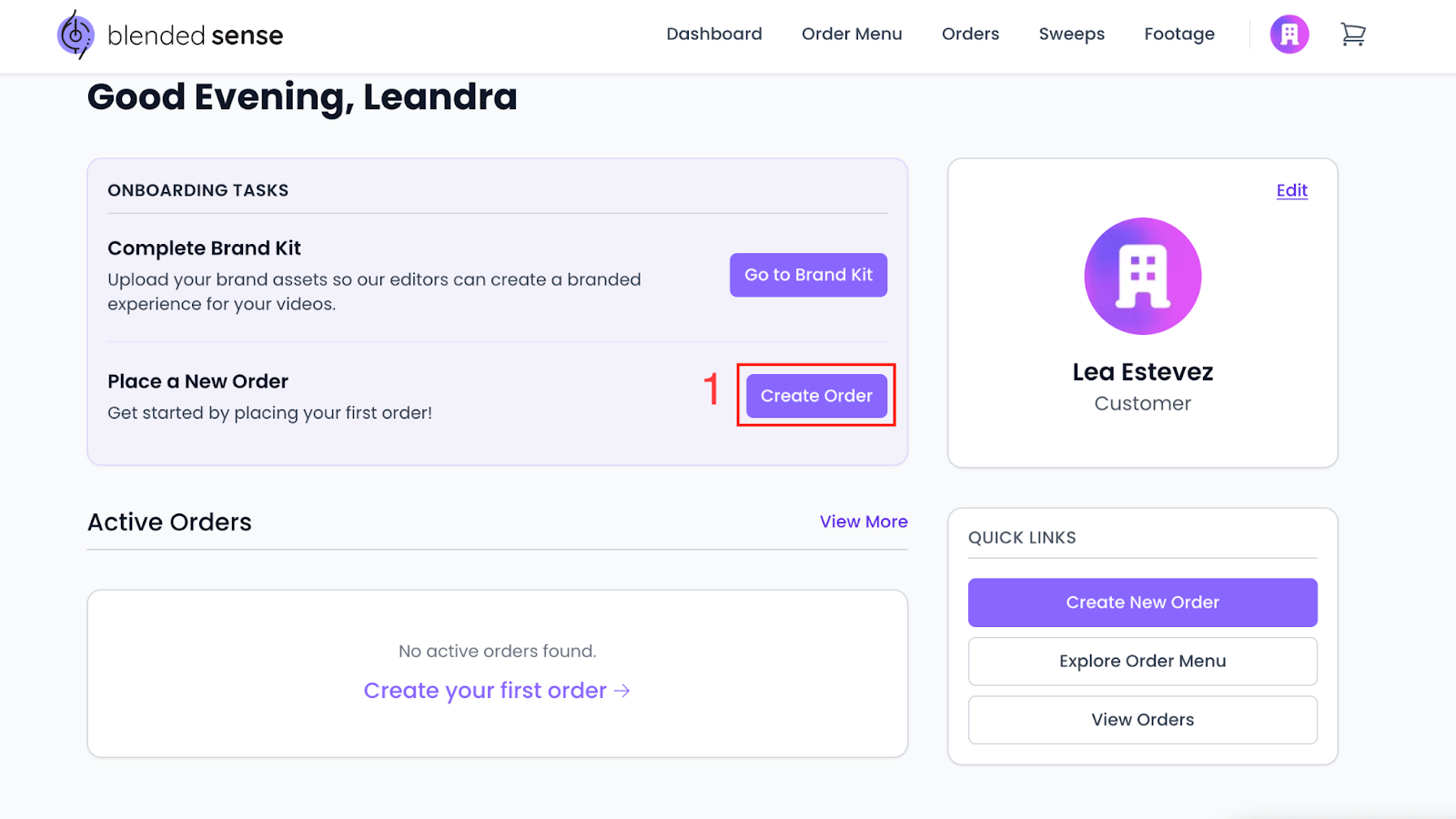
- Select the option to Create Order.
- Choose the type of Sweep you want:
- Filming
- Filming + Editing
- Review the description of each option before continuing.
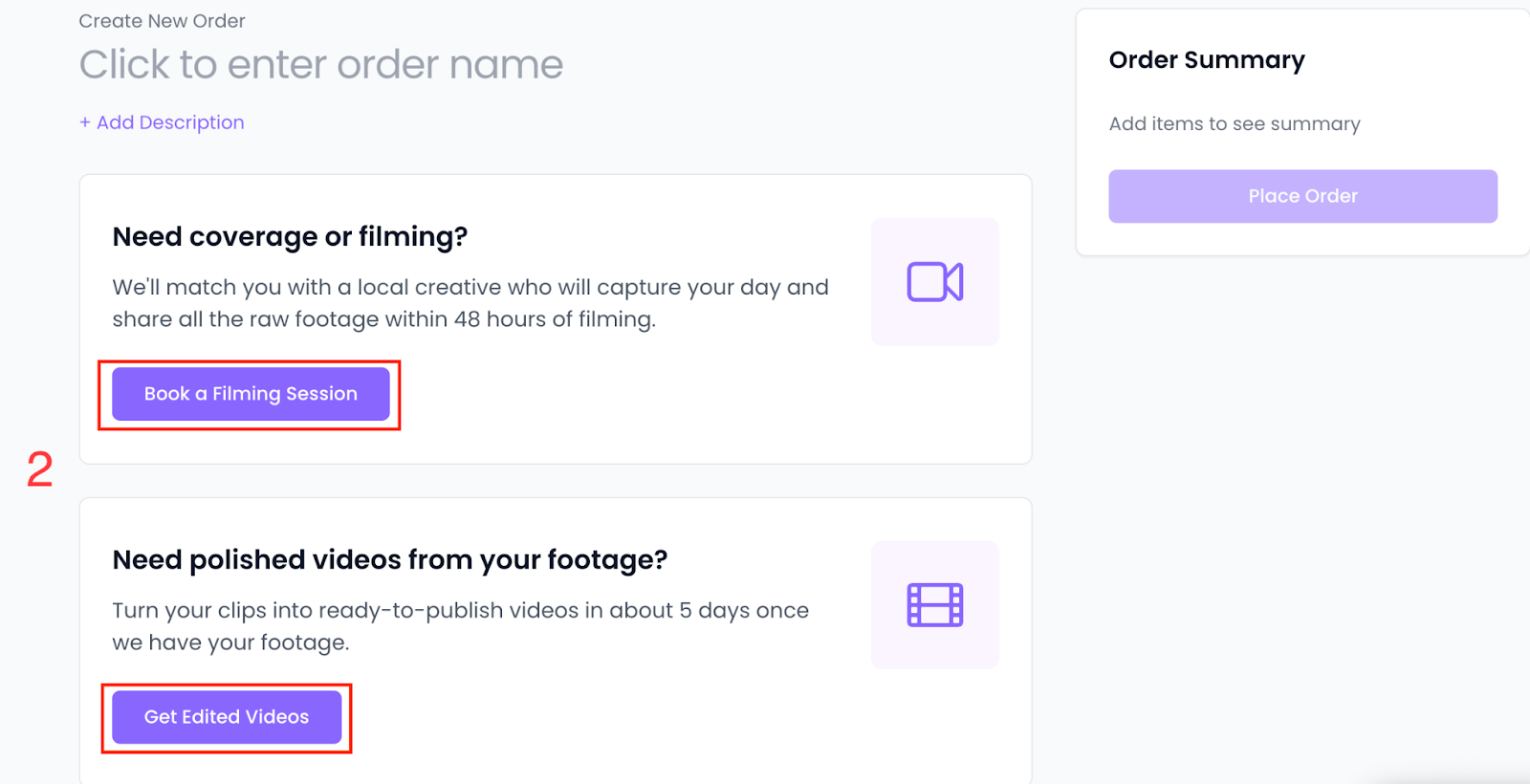
Select a Deliverable
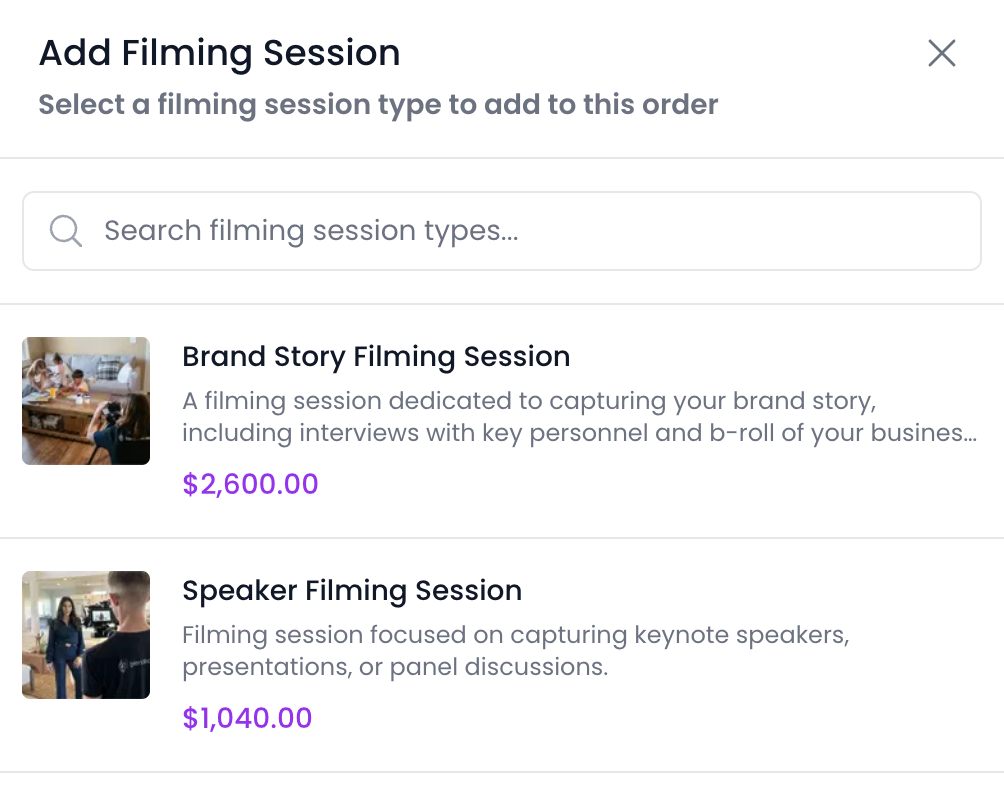
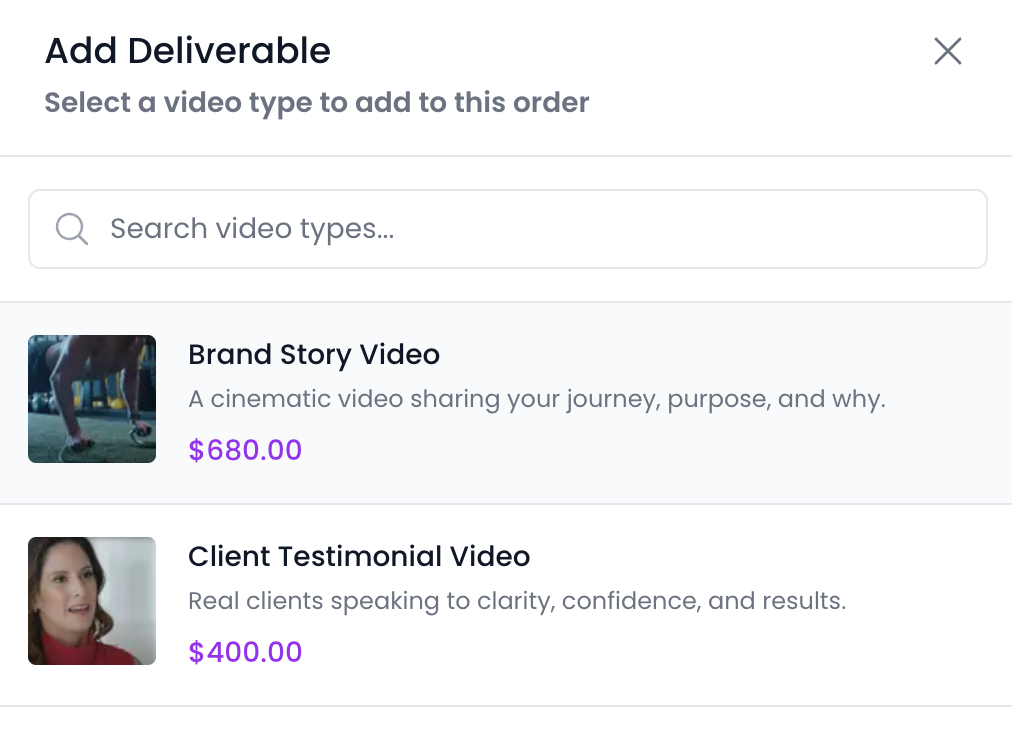
- Select Book a Filming Session or Get Edited Videos
- Choose your order from the menu.
Select Date, Time, and Location
- Choose your preferred date and time for the Sweep.
- Confirm the location details for filming.
Availability may vary based on location and scheduling.
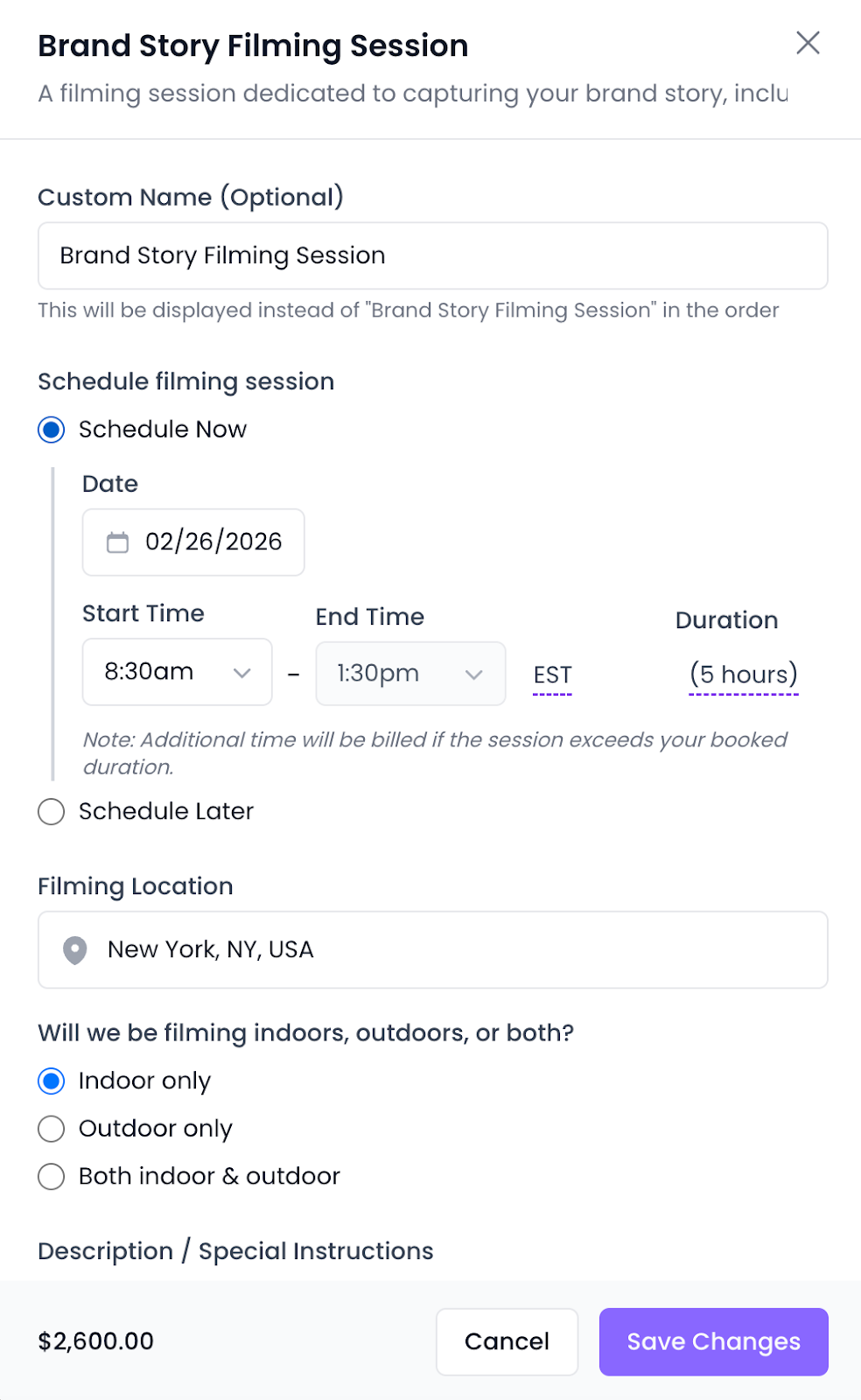
Review Your Order Details
- Review the full order summary, including:
- Sweep type
- Brand Kit
- Date and location
- Confirm everything is accurate before proceeding.
Choose Payment Method
- Select how you would like to pay:
- Credits
- Card or Bank
- Confirm your payment selection.
Payment details and invoices are covered in Billing & Credits articles.
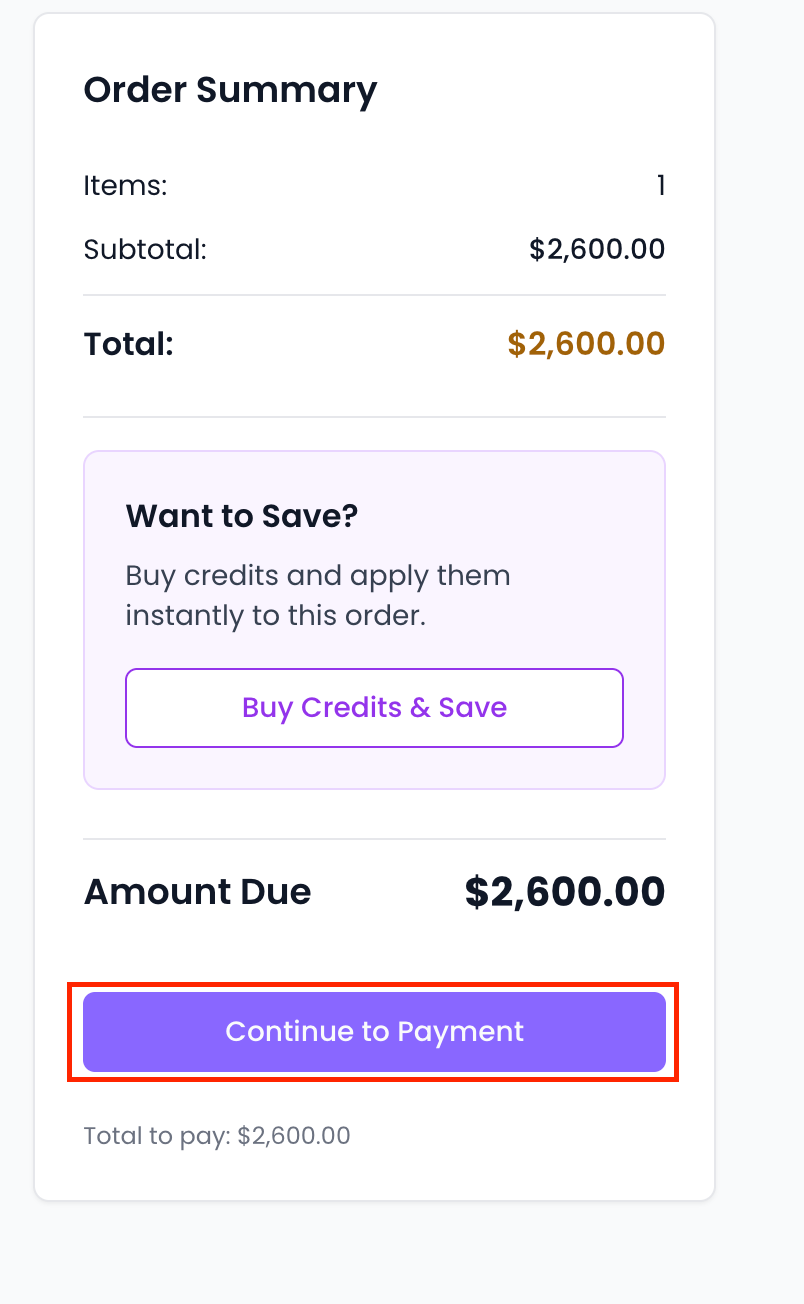
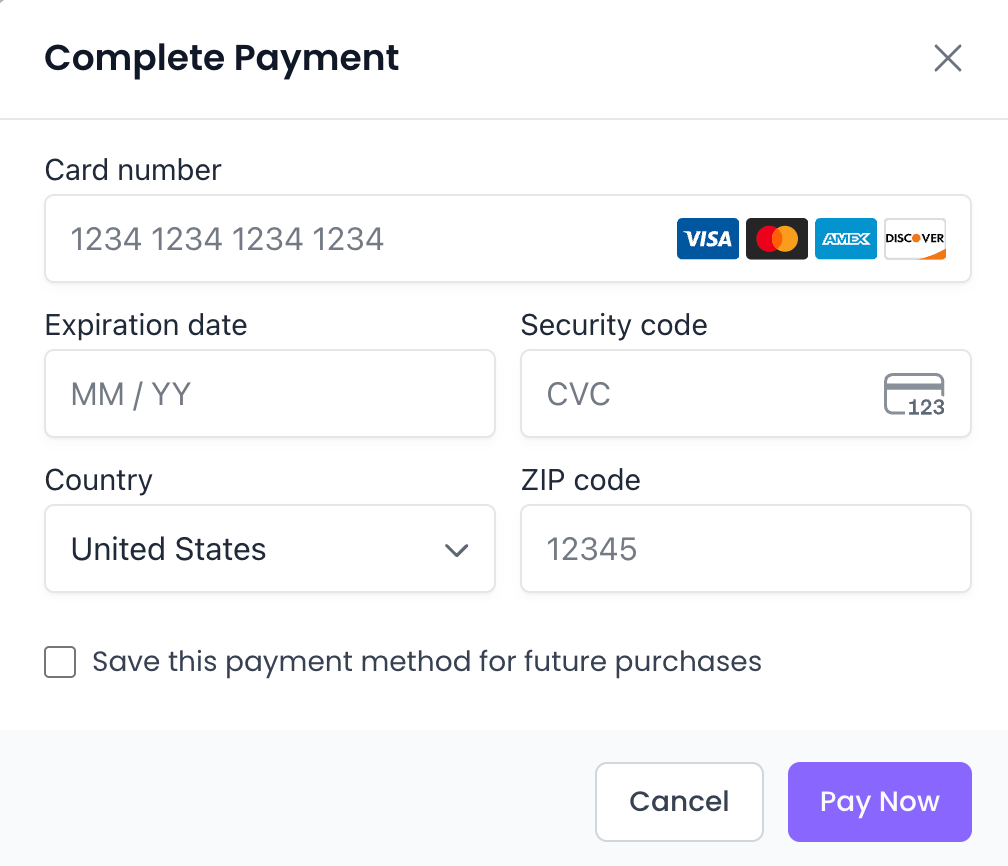
Place Your Order
- Submit your order by clicking Pay Now
- Wait for confirmation that your order has been successfully placed.
Once placed, your order will appear in your Orders list.
What Happens Next?
After placing your order:
- Your order status will update as it progresses
- You can track progress from your dashboard
- You’ll be notified when action is needed
You can learn more about status updates in the related articles below.
Common Questions
- Can I change my order after placing it?
Changes may require Support assistance. See Custom Packages & Change Orders. - What if I’m not ready to schedule yet?
You can return to ordering when ready.